Physical Card Design
Overview
Highnote offers multiple options for designing and printing physical cards for account holders. You can choose from the following physical card options:
- On-demand cards: On-demand cards are traditional plastic cards. They have lower upfront costs, are printable on-demand, and support ordering one-off cards.
- Premium cards: Premium cards are premium plastic or metal cards. They are highly customizable, with unique printing and design options.
The following table provides an overview of the differences between on-demand and premium cards:
| Options | On-demand | Premium |
|---|---|---|
| Pricing structure | Pay-as-you-go | Pay in bulk |
| Minimum quantity requirements | No | Yes |
| Program setup time | Fast | Average |
| Material options | Limited | Extensive |
| Print quality | Good | Best |
Customization options
On-demand and premium cards have different materials, printing, and design options. The following table outlines the differences in customization options for each card type:
| On-demand plastic | Premium plastic | Premium metal | |
|---|---|---|---|
| Material and printing methods | Digital printing | Offset (Litho printing), silkscreen, digital printing | Embedded metal, metal veneer lite, metal veneer, metal hybrid, ceramic metal, full metal |
| Design options | Matte and glossy materials, foil | Colored core, decorated edge, colored mag stripe, matte and glossy varnishes, 3D effects, hot stamping, holograms, metallic ink, foil, special inks, textures, translucent plastic, sustainable cards | Mechanical engraving, laser engraved personalization, knock-out capability, raised matte and glossy varnishes, metallic foils, 24k gold, crystal and/or diamond embedding available on higher-end cards |
Design guidelines
To minimize approval delays, please follow these guidelines carefully.
Card art must follow specific guidelines for approval by Highnote and Partner Banks. Refer to general and card network-specific guidelines when designing card art. It is important that you follow these guidelines in order to minimize approval delays.
Network guidelines:
- Visa: Contact your Highnote representative for Visa Product Brand Standards.
- Mastercard:
- Card Design Snap Shot — design guidelines PDF (see slide 6: "Card Design Essentials - Physical Cards")
- Mastercard Design Center Library — card art asset library
Card design tips
Highnote recommends the design templates in the Arroweye Resource Library.
When designing your card art, we recommend keeping designs simple. Here are some general recommendations for card designs:
- All fonts must be outlined to ensure compatibility with all printers and devices.
- All images must be embedded.
- Card art file must be layered. Put each design element in a separate layer.
- The card needs to have bleed.
- Dual Interface logo needs to be on card if the card is Dual Interface.
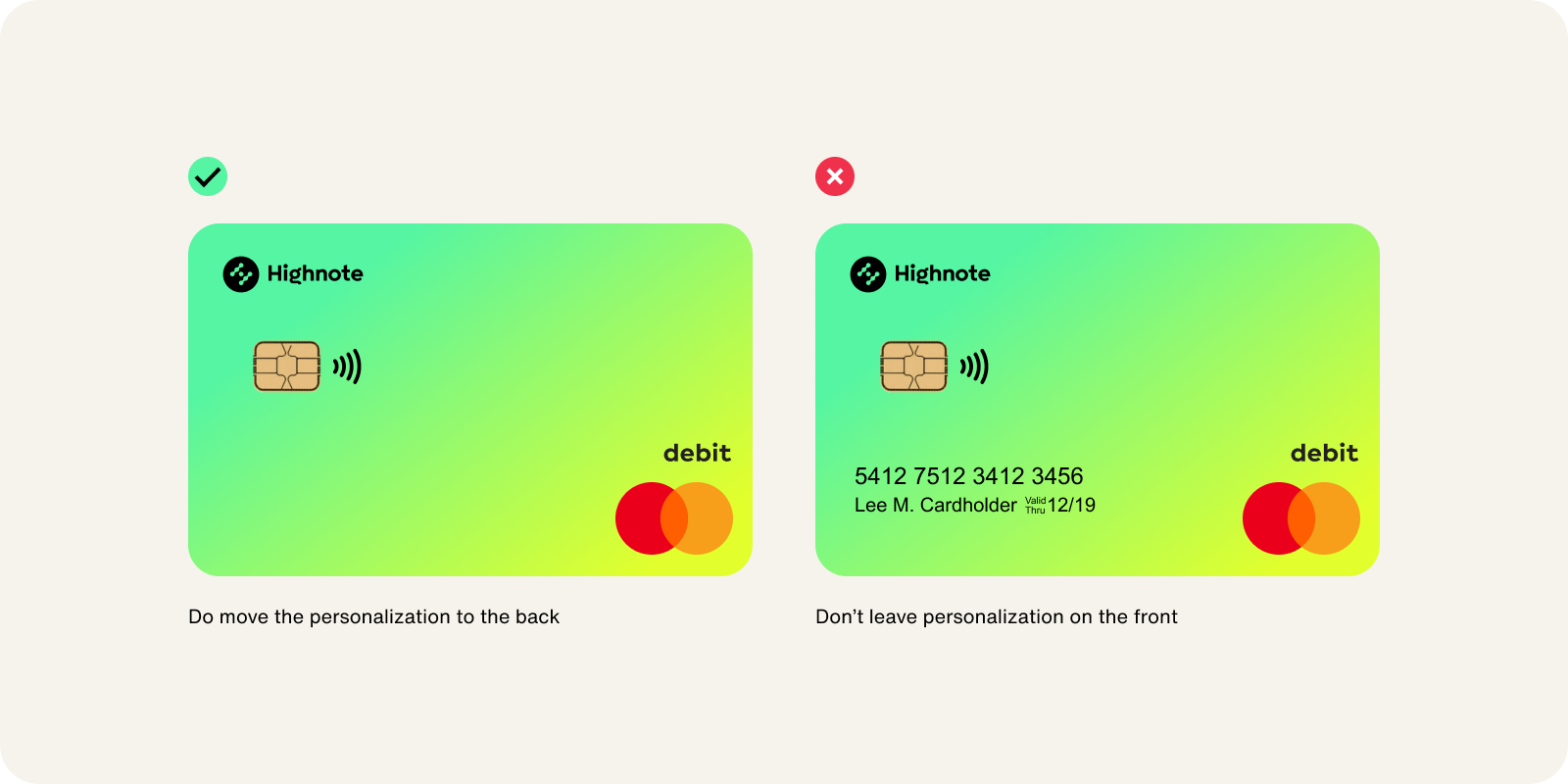
Background tips
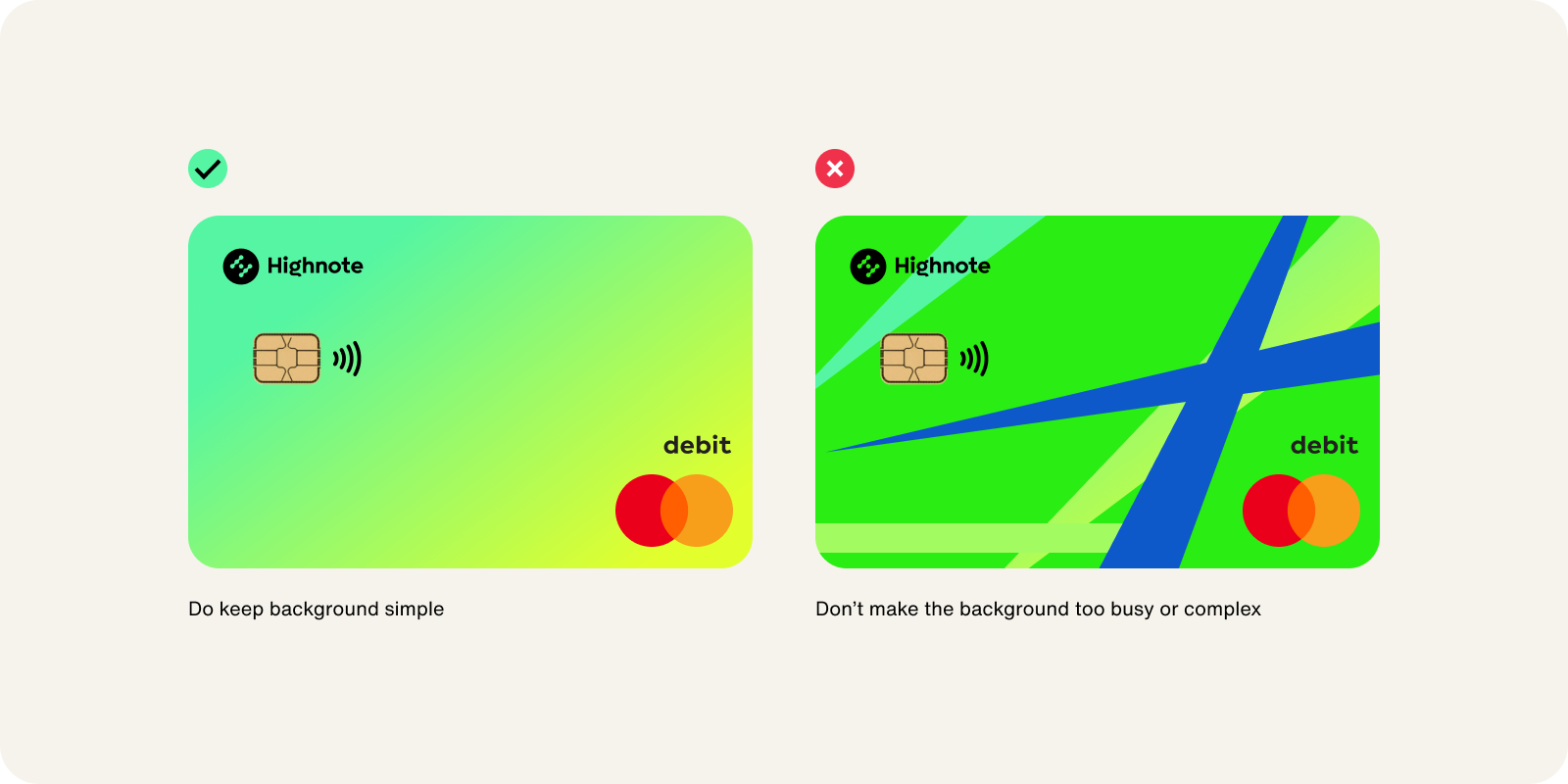
Logo tips
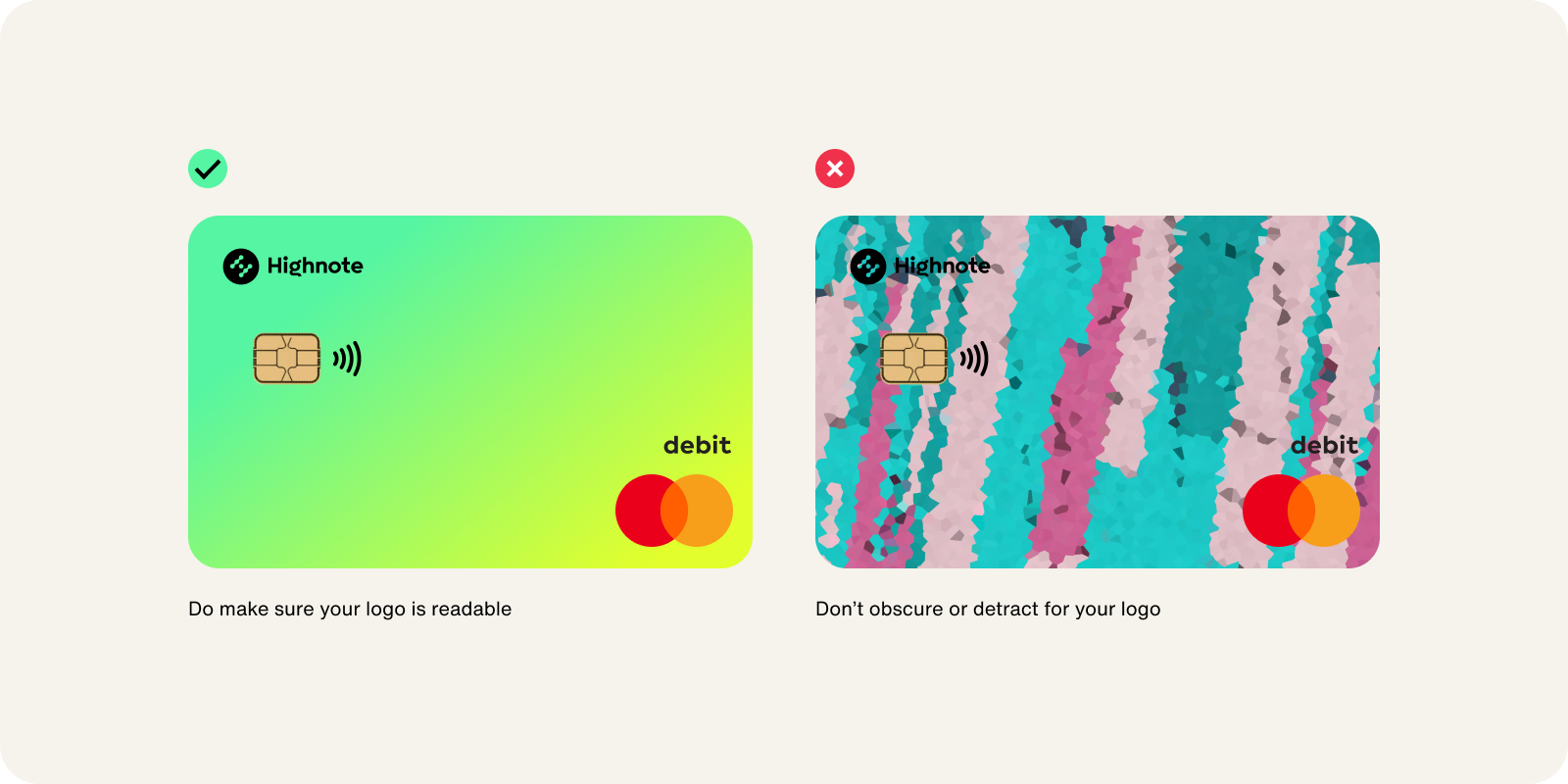
General guidelines
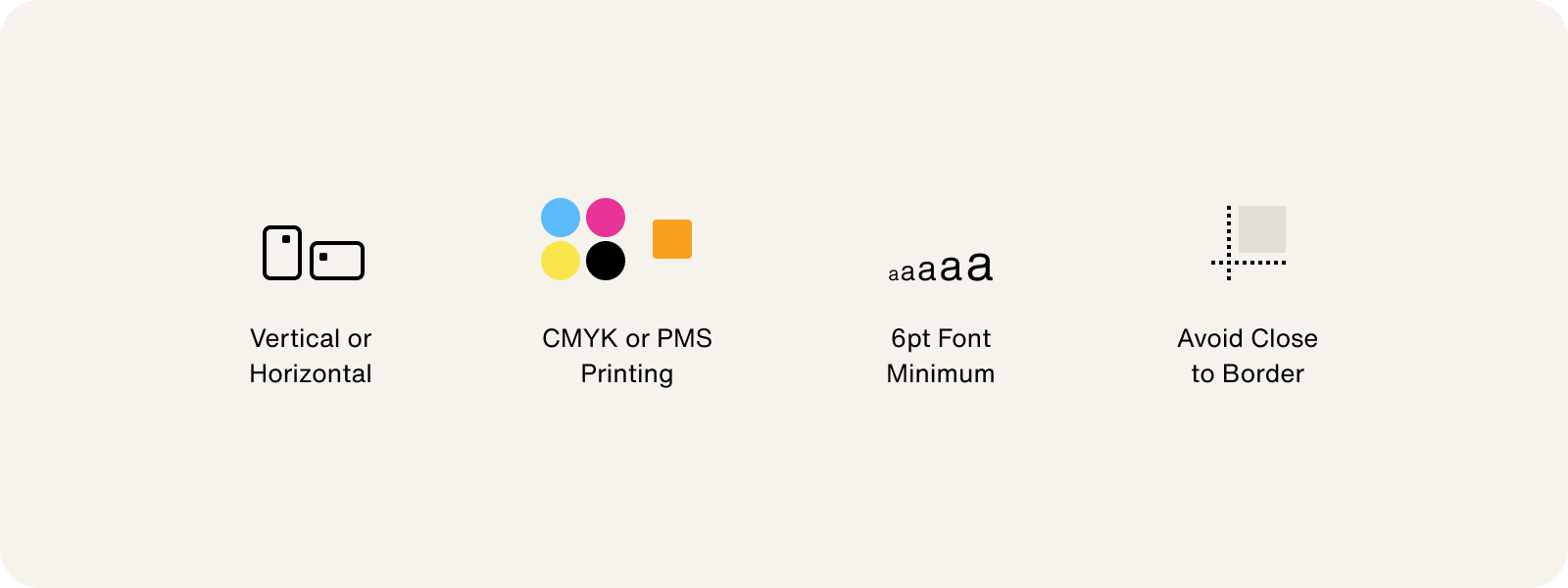
Keep the following general guidelines in mind when designing physical cards:
- On-demand cards are printed in Cyan, Magenta, Yellow, and Key (CMYK). Designing in RGB may cause inaccurate colors during printing.
- Premium cards are printed in CMYK or Pantone Matching System (PMS). Designing in RGB may cause inaccurate colors during printing.
- Black should be set to
C=0, M=0, Y=0, K=100. - The front and back of your card design may be either horizontal or vertical.
- The minimum type size is 6pt for optimal legibility.
- Avoid border designs that follow the edge of the card.
- Keep logos and text 3/32” away from the edges of the card and from required elements, for example, the card’s magnetic stripe, hologram, and signature panel.
Personalization
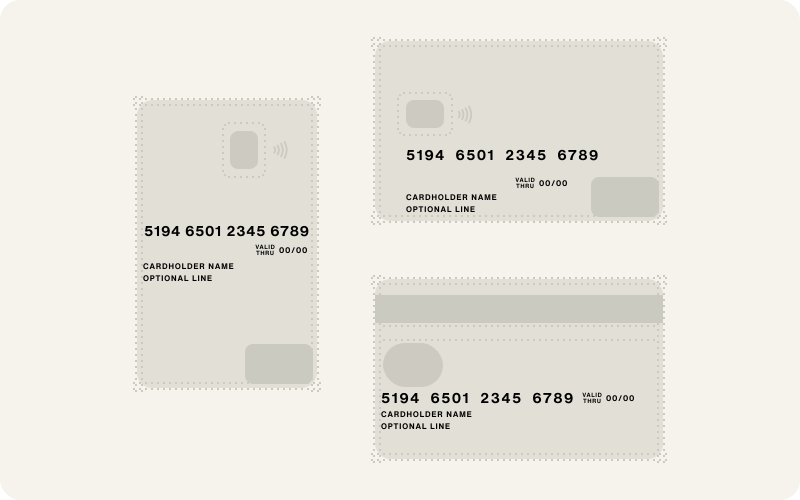
Card personalization refers to a card’s dynamic content. Personalization may be on the front or back of the card, in any combination. Personalization includes:
- Cardholder name
- Business name (optional)
- Primary Account Number (16-digit card number)
- Expiration date
On-demand card guidelines
To avoid delays, be sure to use all design templates from the Arroweye resource library.
Design approval
Card design is subject to approval by both Highnote and the sponsor bank as outlined in Marketing and Collateral. When you are ready to submit the final artwork, send files to collateral-review@highnote.com.
File formats
Send your physical card design file in Adobe Illustrator format using any of the following file types: .eps, .ai, or .pdf.
Packaging materials
You can design and customize packaging materials to send your cards to account holders. The following packaging material options are available for all card types:
- Mailers
- Burgopak sliders
- Customized packaging
Mailer
Warning: Your bank partner may have special requirements, for example, around "Member FDIC" language. Also, some partners require that you include the term, "Powered by Highnote". Contact the Highnote Implementation team for help with your requirements.
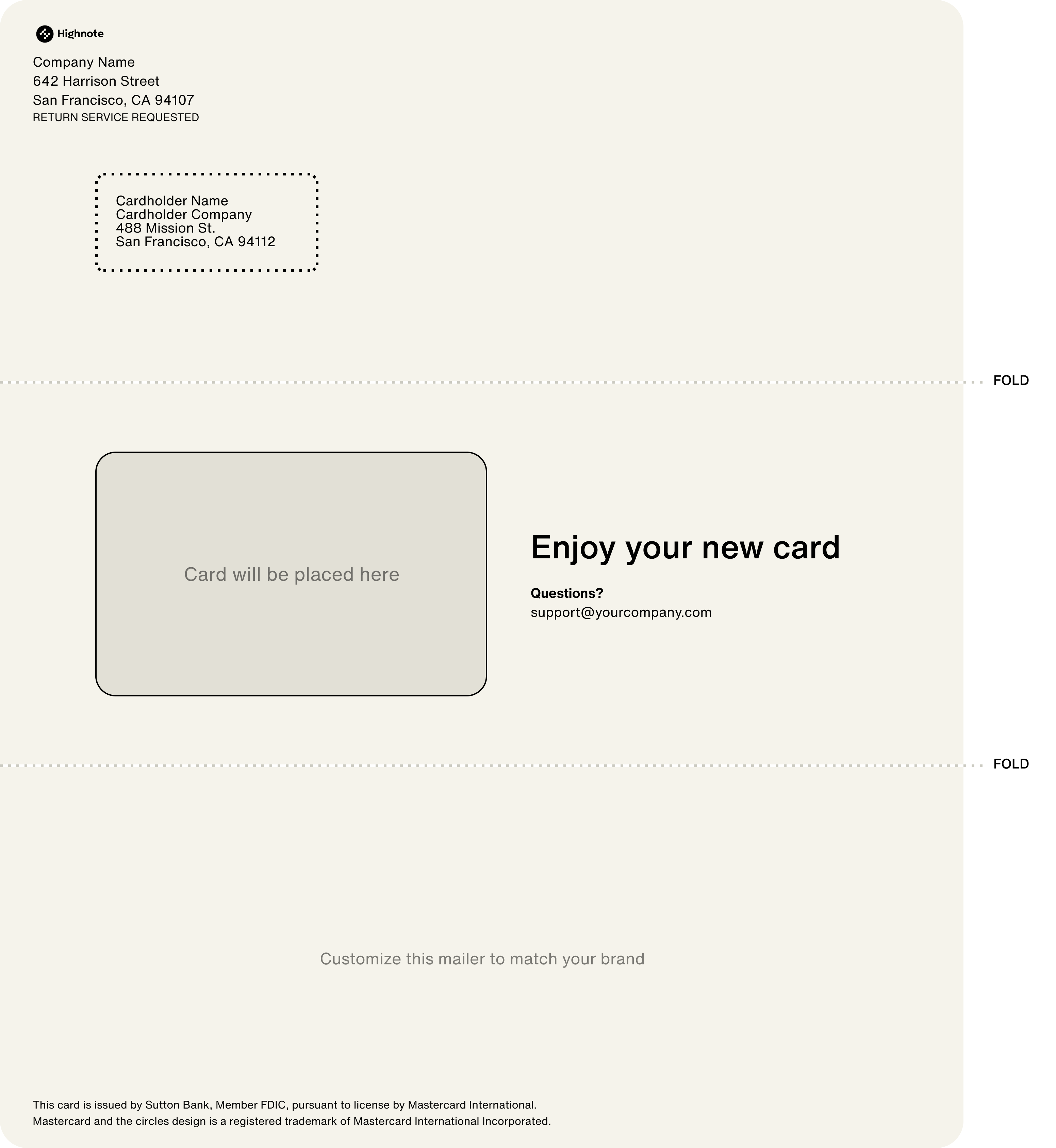
When using a mailer, cards are sent to account holders in envelopes within a trifold insert. You can customize mailers to match your brand. Refer to the following guidelines for customizing mailers:
- Mailers are printed on white paper stock with 3/16” whitespace on all edges
- Do not support bleeds
- Use vector and PDF file types
- White knockouts are added in the address area
To create your mailer, use the design template from the Arroweye Resource Library.
The following graphic is an example of the front of a mailer insert inside an envelope:
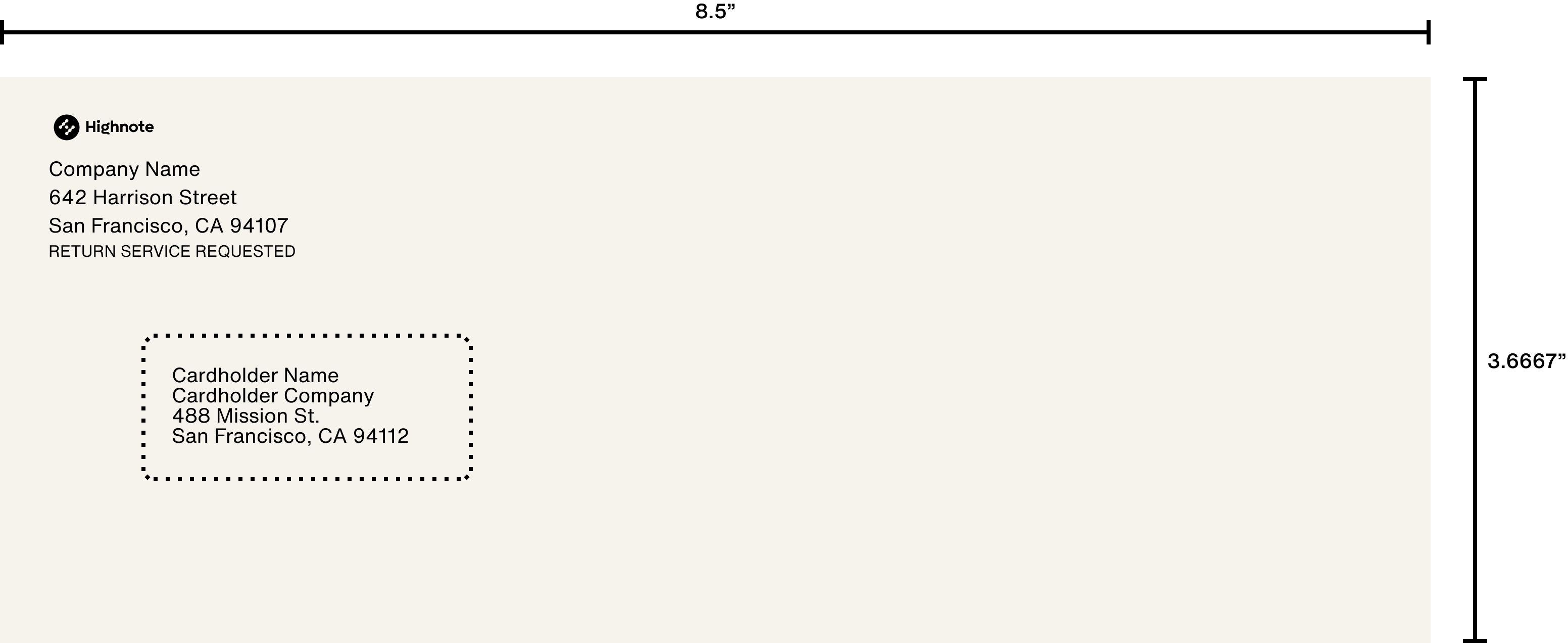
The following graphic is an example of a full mailer insert: